 T-Shirt
Custom Text T-Shirt Design
Turn a name, a date or a one-liner into shirt-ready lettering, then set it exactly where you want it on the tee.
Text shirts sell because they are personal: a team name, a trip year, an inside joke. You can ask the AI to draw the lettering as part of the artwork, which works well for badges, varsity arches and retro sunsets where the words and picture belong together.
When spelling must be exact, add a separate text layer in the designer. It uses a bold display font, follows the shirt color, can be dragged and resized, and is included in your downloaded PNG.
Example designs
Real artwork generated from short descriptions. Open any of them in the designer and make it your own.
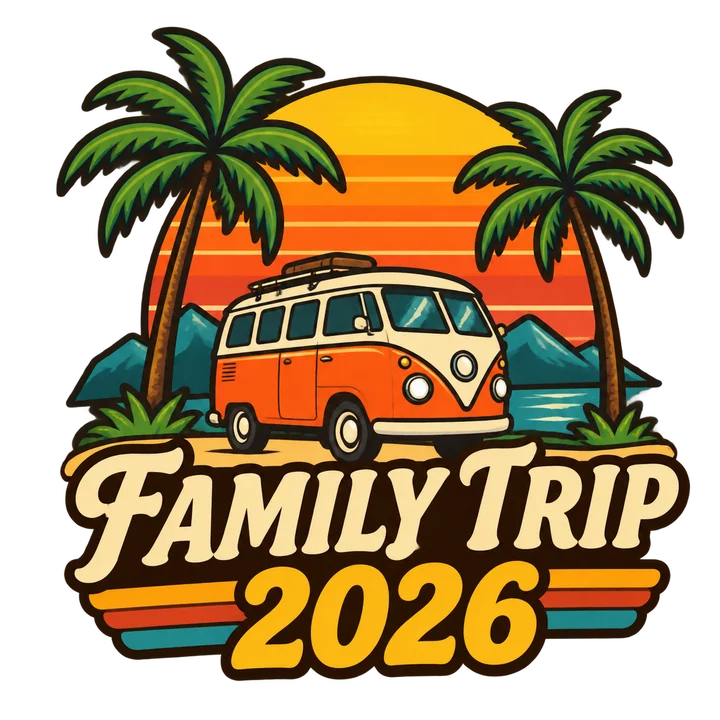
Family Trip
Palm trees, a camper van and a sun, lettering 'FAMILY TRIP 2026'
Use this idea →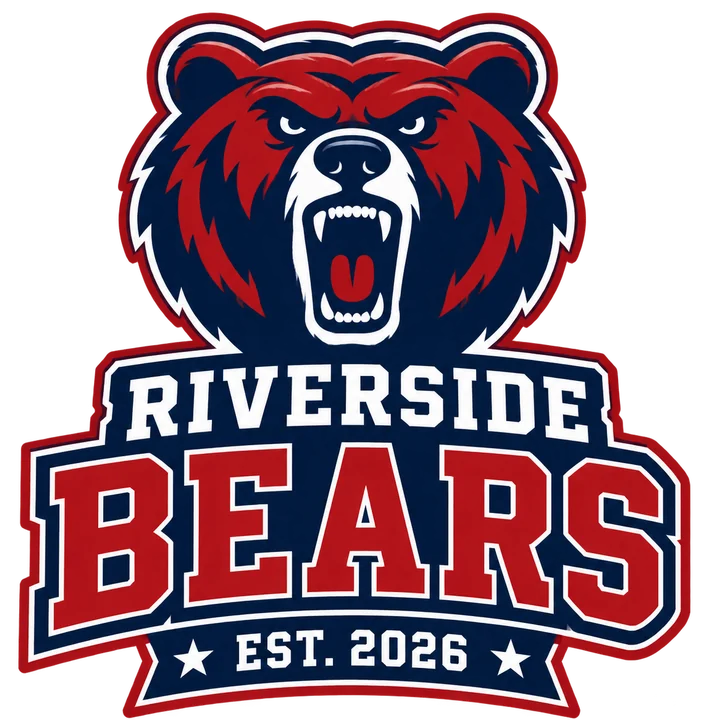
Riverside Bears
A roaring bear head, lettering 'RIVERSIDE BEARS' and 'EST. 2026'
Use this idea →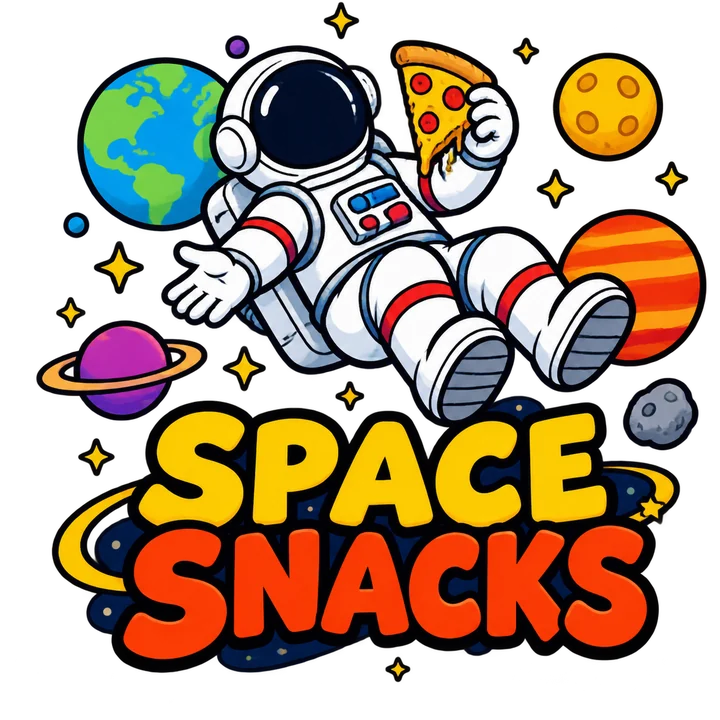
Space Snacks
An astronaut floating with a slice of pizza among planets, lettering 'SPACE SNACKS'
Use this idea →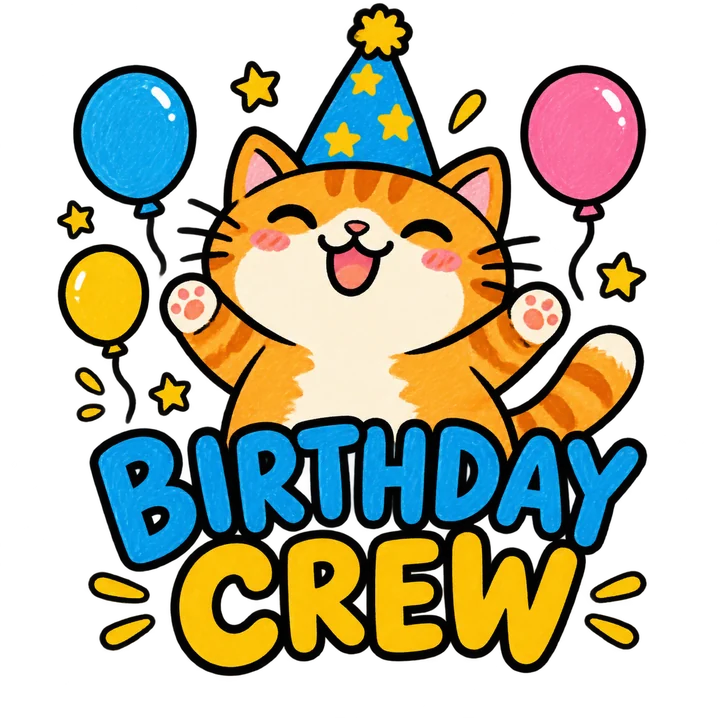
Birthday Crew
A chubby orange cat in a party hat with stars and balloons, lettering 'BIRTHDAY CREW'
Use this idea →Prompt ideas to start from
Click an idea to open it in the designer, then change the names, dates and colors.
“Mountains and a winding road, lettering 'ROAD TRIP 2026'”
Try this prompt → Team arch · Varsity“Arched athletic lettering 'WEST SIDE RUNNERS' with a winged shoe”
Try this prompt → One-liner · Doodle“Hand lettering 'POWERED BY SNACKS' with a few small cookies”
Try this prompt → Name badge · Badge“Circular badge with lettering 'THE MILLER CREW' and a small star”
Try this prompt →Tips for a better result
- Keep generated lettering short: two to four words come out cleanest.
- Use the text layer for names, dates and anything that must be spelled exactly.
- Uppercase display lettering reads best from a distance on a shirt.
- On dark shirts, ask for light lettering or an outline so the words stay readable.
How it works
- Describe your idea or open one of the examples above.
- Generate original artwork on a transparent background.
- Place it on the shirt, add text and try shirt colors.
- Download a 2400 × 3200 PNG for your printer.
Frequently asked questions
Will AI spell my text correctly?
Usually, but not always. Check every letter in the preview, or use the separate text layer, which is always spelled exactly as you type it.
Can I change the font of the text layer?
The text layer uses one bold display font today. For other lettering styles, describe them in the prompt.
Is the text included in the download?
Yes. Text you add on the shirt is drawn into the transparent PNG at the position and size you set.
More T-shirt design ideas
Ready to make your own?
Describe it in one sentence and see it on a shirt in under a minute.