 T-Shirt
AI T-Shirt Design Generator
Type an idea in plain words and get original shirt artwork in under a minute, already on a transparent background.
Most design tools hand you a blank canvas. Here you start with a sentence: a subject, a mood, a few words of lettering. The generator draws a single, centered illustration made for printing, without a shirt, mockup or background baked into the image.
You then place it on a tee, try it on six shirt colors, add your own text layer and download a 2400 × 3200 PNG. Ask for changes in words, such as a different color or a bolder outline, and keep every version in your library.
Example designs
Real artwork generated from short descriptions. Open any of them in the designer and make it your own.
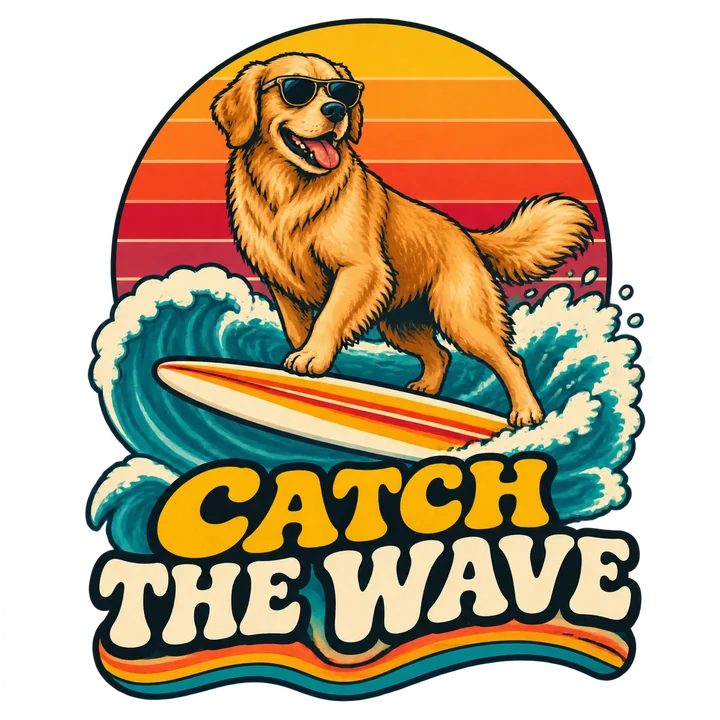
Catch the Wave
A golden retriever in sunglasses riding a surfboard at sunset, lettering 'CATCH THE WAVE'
Use this idea →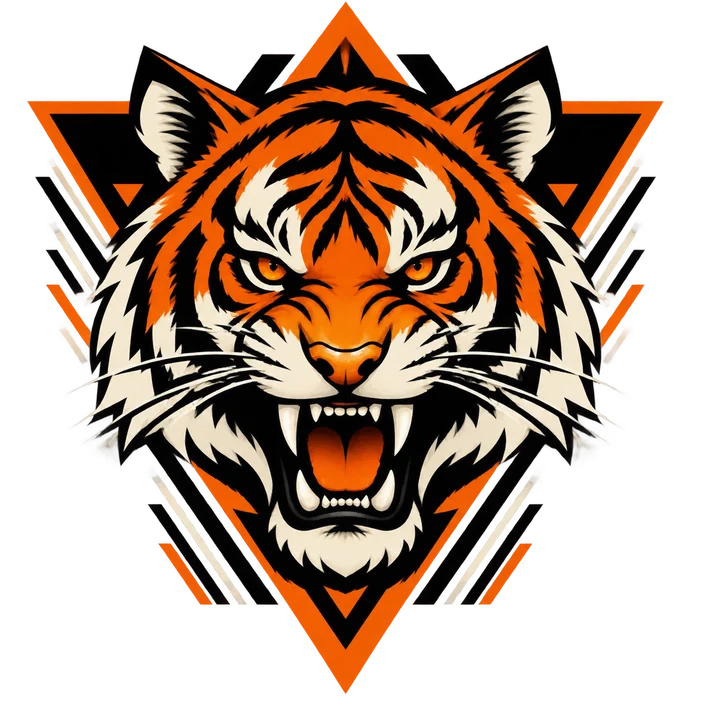
Tiger Head
A bold tiger head with geometric shapes in black, orange and cream
Use this idea →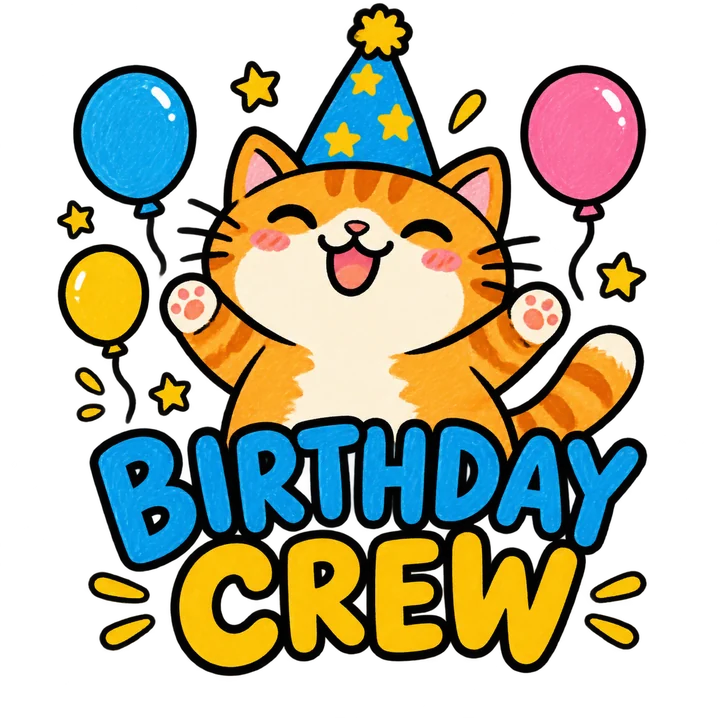
Birthday Crew
A chubby orange cat in a party hat with stars and balloons, lettering 'BIRTHDAY CREW'
Use this idea →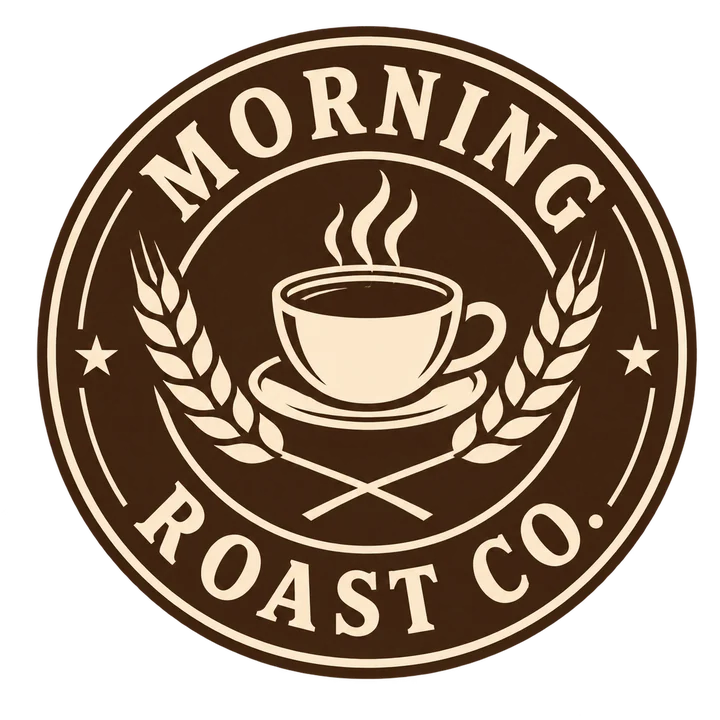
Morning Roast
A vintage badge with a coffee cup and crossed wheat, lettering 'MORNING ROAST CO.'
Use this idea →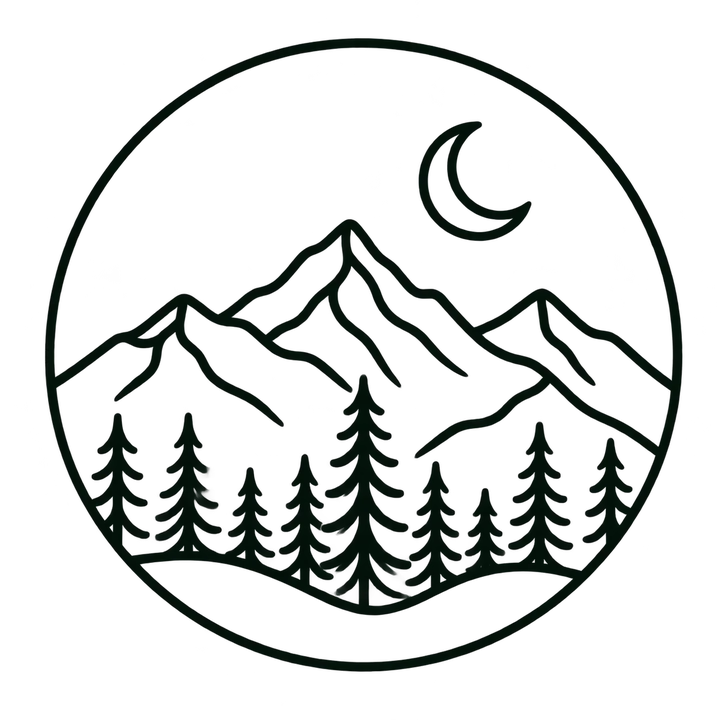
Quiet Peaks
Mountains, a crescent moon and a pine forest inside a circle
Use this idea →
Team Launch
A cheerful rocket with lightning bolts, lettering 'TEAM LAUNCH'
Use this idea →Prompt ideas to start from
Click an idea to open it in the designer, then change the names, dates and colors.
“A grumpy owl drinking coffee, lettering 'NOT A MORNING PERSON'”
Try this prompt → Outdoor · Badge“A campfire under a starry sky inside a circle, lettering 'STAY WILD'”
Try this prompt → Food · Retro“A smiling taco wearing sunglasses, lettering 'TACO TUESDAY'”
Try this prompt → Statement · Streetwear“Bold stacked lettering 'MADE OF STARDUST' with small planets”
Try this prompt →Tips for a better result
- Name the subject first, then the mood and colors. Short, concrete prompts give cleaner artwork.
- Put exact lettering in quotes, for example 'CAMP CREW 2026', and check the spelling before you download.
- Pick 1 or 3 ink colors if you plan to screen print. Fewer colors usually cost less to print.
- Choose a style preset when you have a look in mind, or leave it on Auto and let the idea decide.
How it works
- Describe your idea or open one of the examples above.
- Generate original artwork on a transparent background.
- Place it on the shirt, add text and try shirt colors.
- Download a 2400 × 3200 PNG for your printer.
Frequently asked questions
Is the AI T-shirt design generator free?
New accounts get free credits to try it. Each artwork uses credits, and failed or blocked runs are not charged.
What file do I get?
A transparent PNG of 2400 × 3200 pixels with your artwork and text placed where you put them on the shirt preview.
Can it put text on the design?
Yes. Ask for lettering in the prompt, or add your own text layer in the designer for exact spelling and placement.
Can I use logos or characters from movies?
No. The generator refuses brands, copyrighted characters and famous people. Describe something original instead.
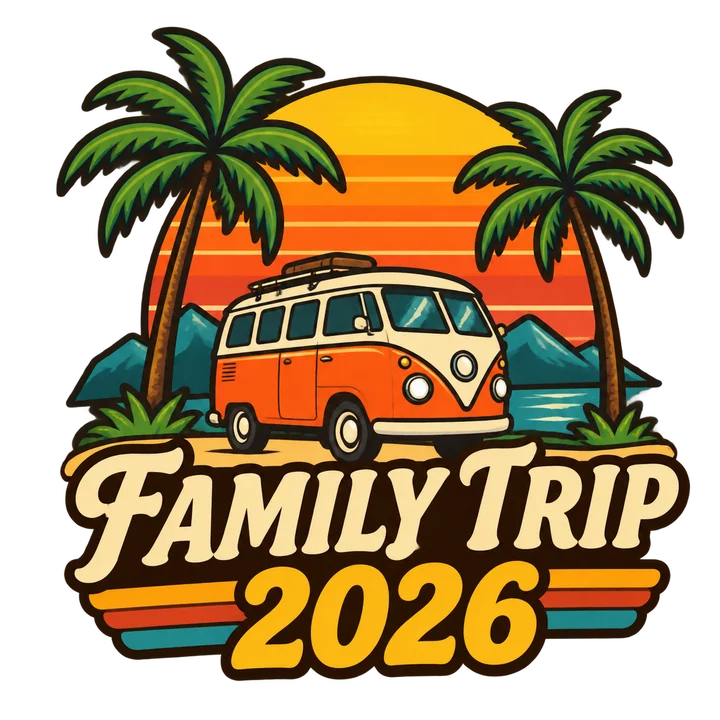
Ready to make your own?
Describe it in one sentence and see it on a shirt in under a minute.